

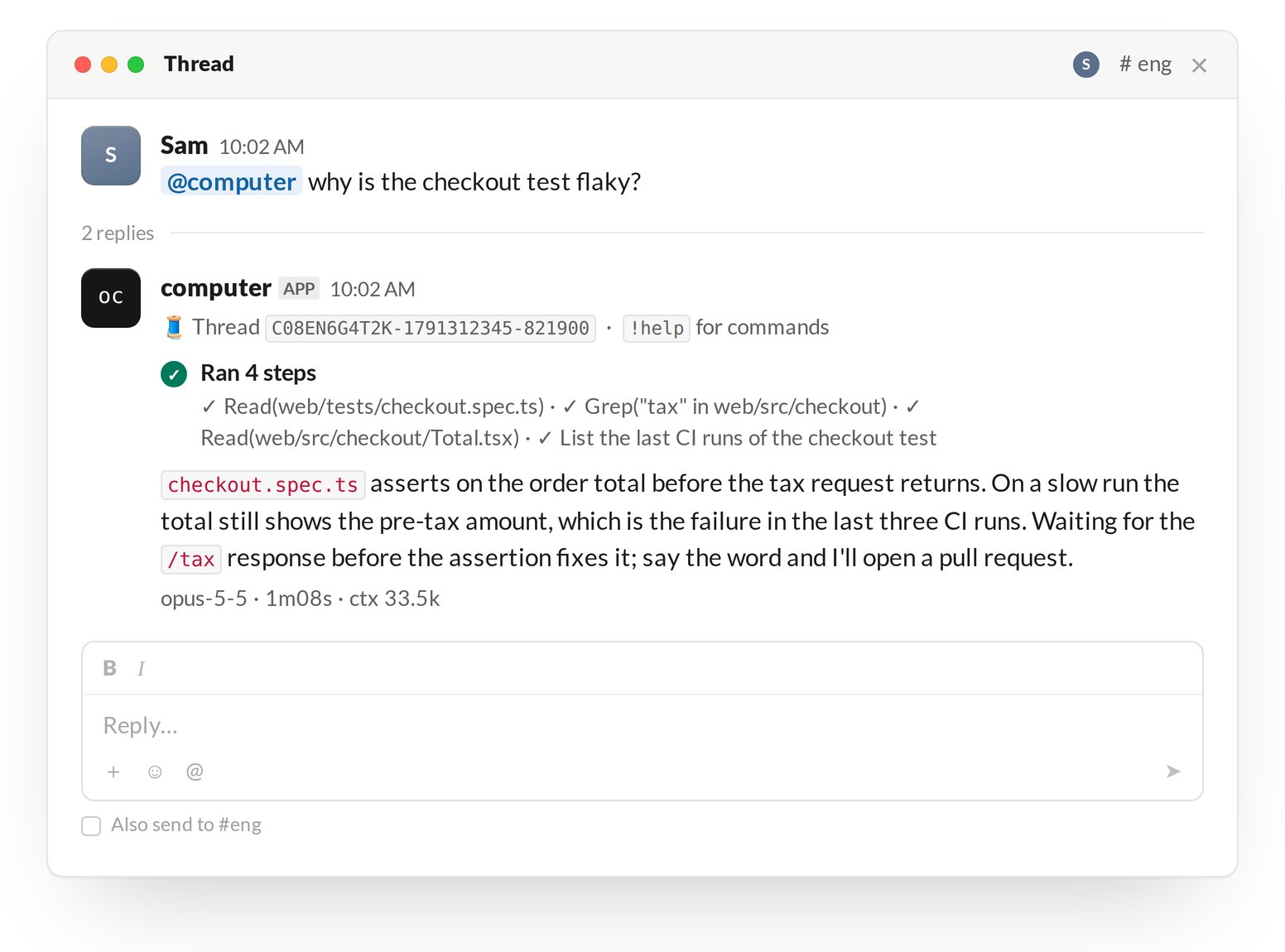
Before you start
- A Slack workspace. If you are not an admin, Slack lets you request approval for the app.
- A GitHub account that can install a GitHub App on the repositories the agent will work in.
- A Claude Pro or Max, or ChatGPT Plus or Pro subscription, unless you pay for model usage with OpenComputer credits.
Set up
Sign in at app.opencomputer.dev/computer. The page walks through four steps.1
Choose your coding agent
Pick Claude Code or Codex and connect the subscription it runs on, or pick OpenComputer credits.
2
Add OpenComputer to Slack
Click Add to Slack and approve the app. The service creates your organization’s computer; the page shows its status until it is
Online.3
Connect GitHub
Install the GitHub App and pick the repositories. The three most recently pushed are cloned on the computer; the others are cloned when a session first checks them out. The agent can push branches and open pull requests in all of them.
4
Give it a first task
Mention You do not have to wait for
@computer in a channel, or send it a direct message. The page shows the mention to copy.Online: a message sent while the computer starts is picked up once it is on.Teammates
Anyone in the Slack workspace can mention@computer. A session belongs to the person who started its thread.
Next
- Threads: what a session shows and how it ends.
- Branches and pull requests: how work leaves the computer.
- Self-hosting: run the gateway and the computer yourself.