

provision.sh installs. The definition lists the repositories; see Repositories.
Session directory
Each session has its own directory with onegit worktree per repository, so it does not see another session’s uncommitted work.
A session starts with the repositories already cloned on the computer. It checks out any other repository listed in its
AGENTS.md with the checkout_repo tool, on the same branch from the latest default branch. The clones behind the worktrees: Git.
Commits
Claude Code’s own attribution lines are turned off for commits and pull requests.
Push and pull request
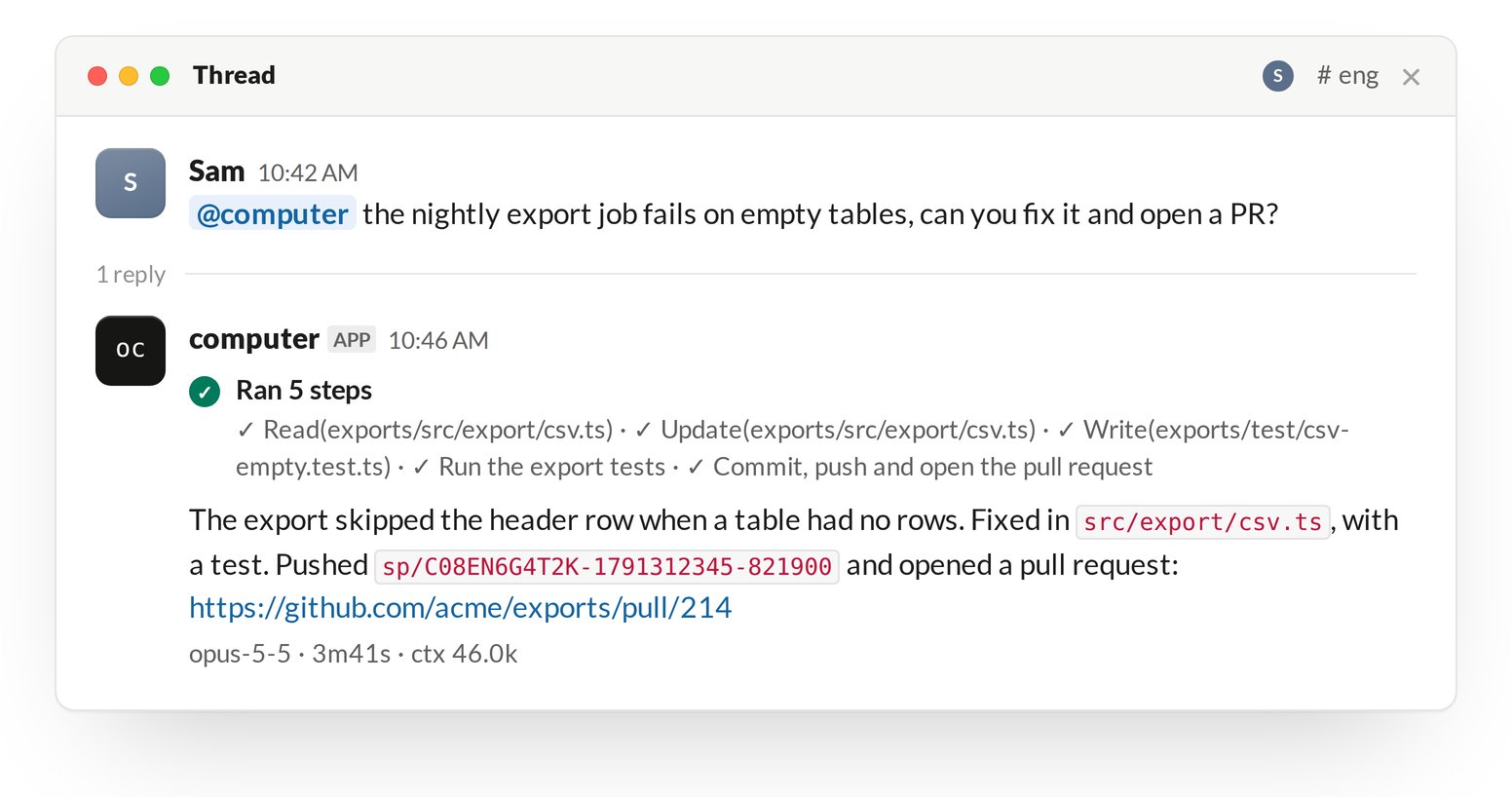
The session pushes and opens pull requests withgit and gh, following the workspace instructions in definitions/computer/AGENTS.md:
- Commit on the
sp/<thread>branch, or on a branch with a better name. - Push with
git push -u origin HEADand open the pull request withgh pr create, one per repository changed. - Do not push to a default branch unless the person asks.
- Say in the pull request body who asked:
Requested by @<person> in Slack.
Identity and tokens
git and gh authenticate as the instance’s GitHub App, so the app’s bot account pushes and opens the pull request. The person appears as the commit author and in the pull request body.
!diff
!diff runs in the session directory, which is not a git repository, so it answers no changes whatever the worktrees contain. Ask the session for the diff of a repository.
When a session directory is deleted
A message to the thread after its directory is deleted gets a new directory from the default branch. Pushed branches are still on GitHub.