

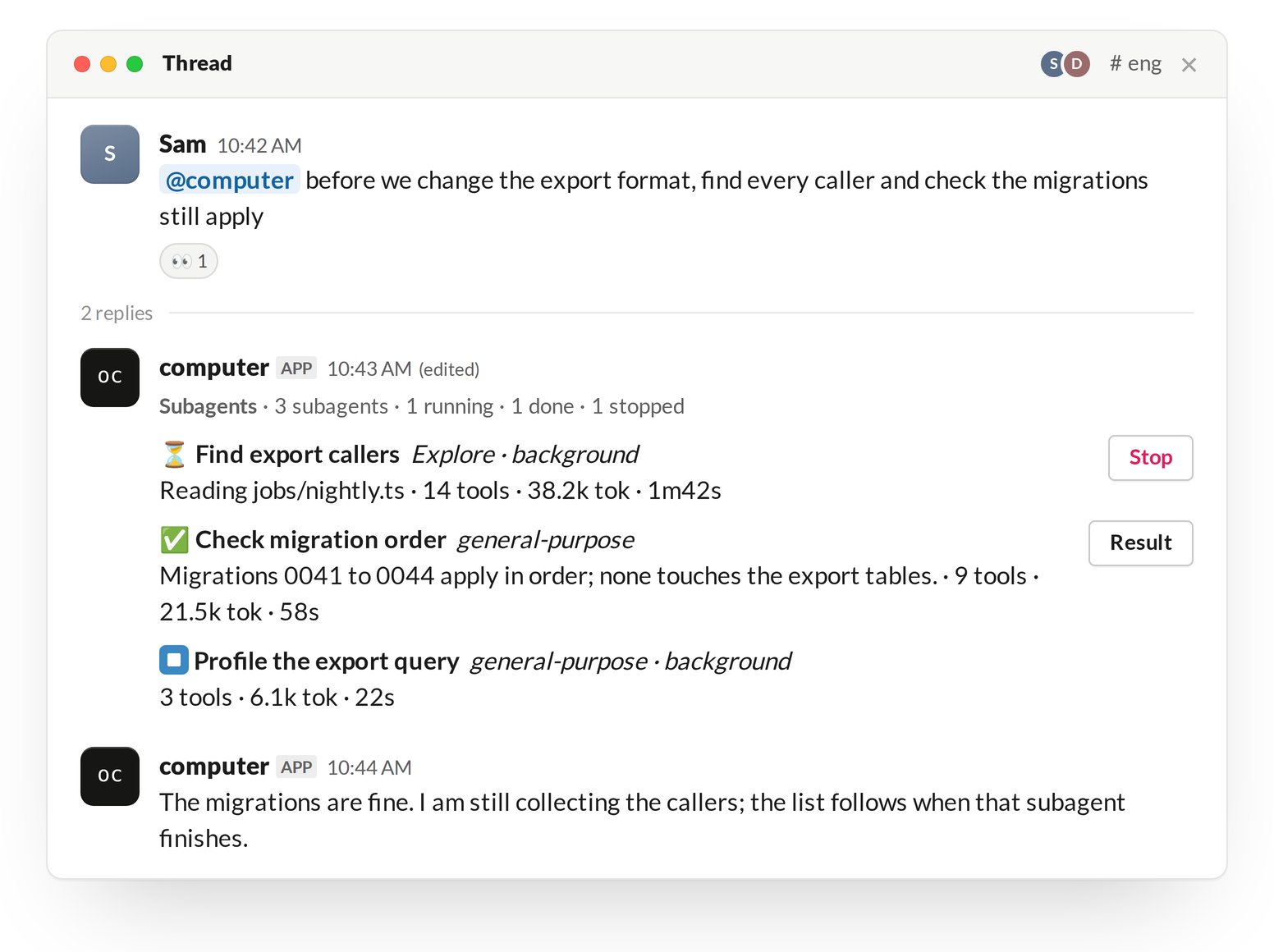
Panel
The panel is one Slack message, updated in place; the turn’s text continues in a new message under it. Its header counts the subagents running, done, failed and stopped. Each subagent has one row:
The panel shows the latest 45 subagents. It keeps updating after its turn ends while background subagents run.
Buttons
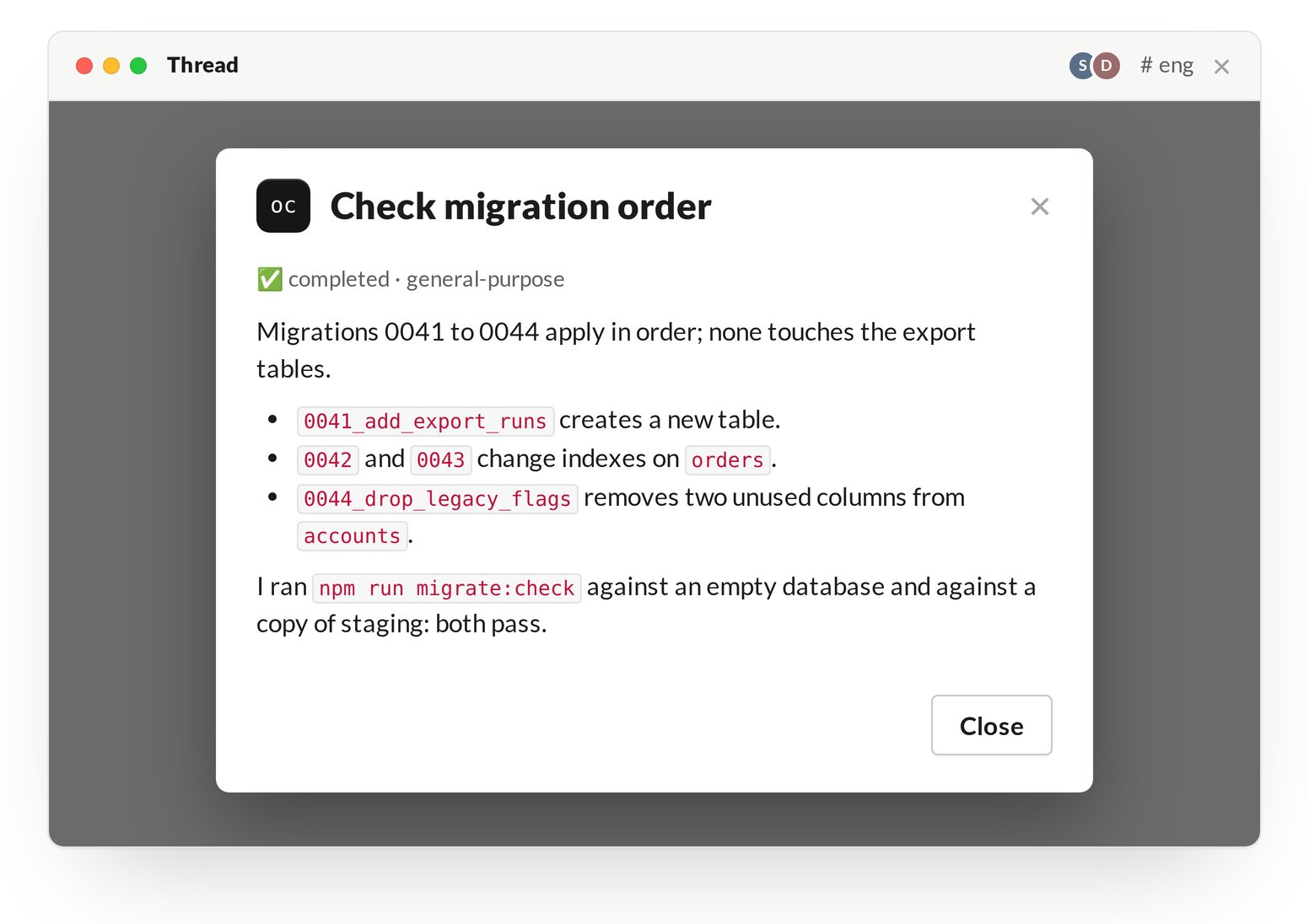
- The buttons work in one-machine mode only. In a team install a click does nothing: use
!stopto stop the turn, and ask the agent in the thread for a subagent’s result. - After the process restarts, the buttons on earlier panels do nothing.